PWA app development — a Progressive Web App with home-screen install, offline use, and (where the OS allows) push — without App Store or Google Play publishing. VivaCoding in Cyprus (Paphos) ships PWAs from €1,490 in typically 2–3 weeks: faster and cheaper than native/cross-platform when you do not need Bluetooth, AR, or deep device APIs.
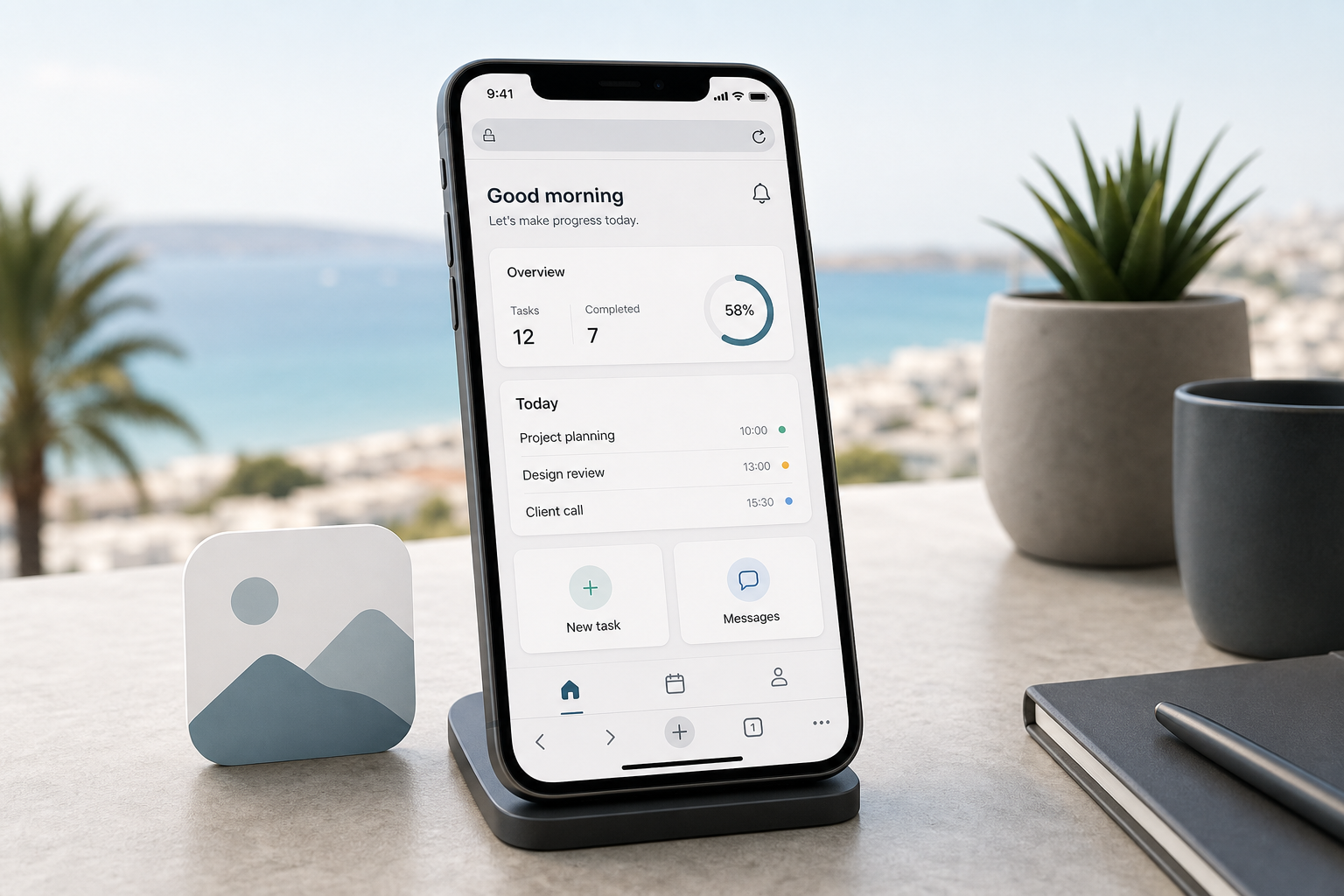
A PWA (Progressive Web App) is a web app that behaves like a mobile client: home-screen icon, fast cached launch, updates without store review. Technically it is an HTTPS site with a Web App Manifest and a Service Worker. For loyalty, catalogues, booking, simple orders, and B2B portals it often covers 70–80% of “app” needs without dual native builds.
Below: how a PWA differs from a site and from native, when to choose it in Cyprus, what VivaCoding packages include, iOS limits, and when React Native / Flutter is the better next step.
Key takeaways
- PWA = one web stack (often React/Vue) + install + offline + instant updates; stores are optional.
- VivaCoding ranges: Start from €1,490 in 2–3 weeks; with auth/push/CRM from €2,490; with a dedicated API from €3,990.
- Strengths: low install friction, SEO/URLs, no store fees on web payments.
- Limits: NFC/Bluetooth/AR, some background flows; iOS push is narrower than native.
What PWA development means
PWA development is designing UX and shipping a web client that meets installability: HTTPS, a manifest (name, icons, display mode), and a service worker for cache and offline fallbacks. Users open a URL, add it to the home screen, and return like an app — without store search or Apple/Google review waits.
In 2026, PWAs are the budget entry to a “mobile product”: CIS market MVP ranges often sit around hundreds of thousands of rubles; Cyprus/EU studios commonly start near €1,500 for a tight scope. Dual native costs more; React Native / Flutter sits in between when you need stores and broader device APIs.
PWA vs website vs native / cross-platform
| Format | Install | Updates | Device APIs | Best for |
|---|---|---|---|---|
| Responsive site | None | Instant | Minimal | Content, SEO, one-off visits |
| PWA | From browser | Instant | Medium (camera/geo partial) | Loyalty, orders, portal, MVP |
| React Native / Flutter | Stores | Via review | Broader | Store presence and app-like push |
| Native Swift/Kotlin | Stores | Via review | Maximum | AR/ML, Bluetooth, heavy offline |
For the full mobile map and pricing, see mobile app development. To validate a hypothesis without “app feel”, a Lean MVP or web application may be enough.
When a PWA fits
- You need a fast MVP or repeat visits (loyalty, booking, menu, order status).
- You want install without App Store / Google Play and without store fees on web payments (Stripe, JCC, etc.).
- You have or plan one backend for the site and the “app”.
- Your team is strong in web (React/Vue) and does not want two native tracks on day one.
- URL sharing, landing SEO, and instant feature rollouts matter.
When a PWA is not the best choice
Do not rely on a PWA alone if the product needs Bluetooth/NFC, ARKit, complex background tracking, OS widgets, or you intentionally distribute only via stores and ASO. On iOS, push and true background behaviour remain narrower than native — design scenarios around that instead of promising “Instagram parity”.
PWA development packages
Prices are ranges after scope lock. The contract amount is fixed.
| Package | From | Timeline | Includes |
|---|---|---|---|
| Start | €1,490 | 2–3 weeks | Manifest, icons, service worker, 5–8 screens, offline fallback, install UX |
| Business | €2,490 | 3–5 weeks | Start + auth, forms → CRM, push where available, basic analytics |
| PWA + API | €3,990+ | 4–8 weeks | Dedicated backend, roles, payments, media, admin |
A typical package includes UX/UI, front-end build, tests on Android Chrome and iOS Safari, HTTPS deploy, a short install guide for your clients, and 14–30 days of post-launch support. Excluded: paid traffic, third-party SaaS beyond the agreed list, native store wrappers (quoted separately if needed).
How we build a PWA — 4 steps
- Brief and installability criteria — flows, iOS/Android split, push needs, offline data, CRM link.
- UX and prototype — key screens in Figma, path “open URL → install → return”.
- Build — manifest, service worker, cache strategy, auth/integrations per package; staging demo.
- Launch and handoff — production, metrics, install checklist for your team; iteration-2 plan from usage.
Technical baseline for a solid PWA
- HTTPS, correct maskable icons,
displaystandalone/fullscreen. - Service worker with an explicit cache strategy (shell + API) and offline fallback.
- Fast mobile LCP — no “everything in one bundle”.
- Clear install prompt / Safari “Add to Home Screen” guidance.
- Privacy policy when you use auth, geolocation, or marketing push.
Related services
- mobile apps — PWA / RN / Flutter / native comparison
- MVP development
- web applications
- design and mockup
- CRM integration
- contacts — short brief
FAQ
How is a PWA different from a mobile website?
A site opens in the browser without install. A PWA adds a manifest, icon, browser-chrome-free display modes, and a service worker for offline/cache. Users return like an app, not only via a bookmark.
How much does PWA development cost?
At VivaCoding: from €1,490 for a start installable contour, from €2,490 with auth/CRM/push, from €3,990 with a dedicated API. The wider market goes higher for complex PWAs; the exact quote follows the Must-have list.
Does push work on iPhone?
On modern iOS, web push exists in limited scenarios and depends on OS/browser version. On Android (Chrome) push is usually more reliable. We document what we promise for iOS clients — no silent gaps.
Do we need App Store publishing?
For a classic PWA — no. If you later need store presence, we discuss a wrapper or a separate React Native / Flutter client — a different scope.
Can we move to native later?
Yes. API and product logic often reuse; the client changes. Move to native/cross when PWA metrics prove demand and hardware or store requirements appear.
What about post-launch support?
After release — a free fix window (usually 14–30 days). Then maintenance packs: dependency updates, small features, monitoring. PWAs are cheaper to maintain than dual native, but without a budget they still age.