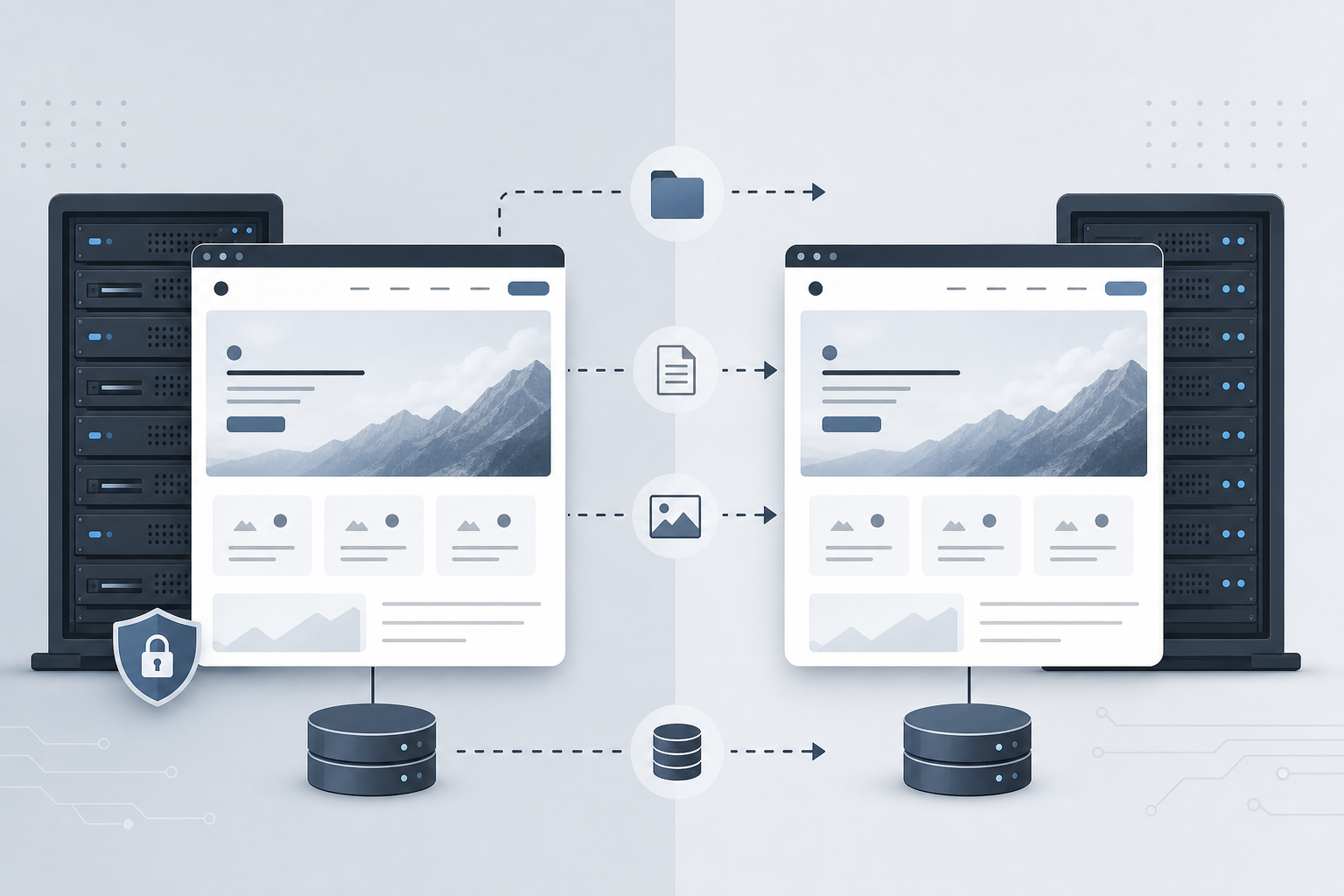
A website copy is a lawful clone or migration of your own project: full backup, staging for tests, hosting transfer, or a redesign sandbox — not piracy of third-party sites. VivaCoding copies files and the database, configures the environment and DNS to keep downtime and SEO risk low.
Key takeaways
- We clone only your site or a project you have rights to — not one-to-one copies of competitors.
- Typical jobs: backup, staging, hosting move, pre-redesign mirror.
- Flow: backup → deploy on a test URL → QA → DNS/SSL → monitoring.
- Different from WordPress migration: here we keep the stack and change location or make a mirror.
What “website copy” means
A website copy is a full snapshot of files, database, and configs deployed on another server, subdomain, or staging environment. It is not “download a competitor’s HTML” — it is migrating your working project while preserving CMS logic, forms, media, and integrations.
Clients usually need a copy for four reasons: an off-host backup, a test stand for changes, a move to a new VPS/plan, or a mirror before a major redesign while production stays live.
Legal framing: what we take and what we refuse
We only work on sites you own or where the rights holder has given written permission (agency contract, corporate access). Cloning someone else’s commercial site without rights is not our service.
- Access required: hosting/SFTP/SSH, CMS admin, DNS (or registrar contact).
- API keys move into new env files — never into public repos.
- Staging is locked with basic auth and/or
noindexso the copy is not indexed.
Scenarios compared
| Goal | What you get | SEO risk |
|---|---|---|
| Backup / archive | File archive + DB dump + restore notes | Low (production untouched) |
| Staging copy | Mirror on a subdomain for tests and demos | Low with noindex and closed access |
| Hosting migration | Live site on the new server + SSL + DNS cutover | Medium — we lower TTL and test before flip |
| Pre-redesign copy | Stable production + separate redesign build | Low until URL/structure changes |
If the goal is a CMS change (e.g. Tilda → WordPress), see WordPress migration: that is a different scope — URL map, 301s, and template rebuild.
When this service fits
- Hosting is slow, expensive, or ending — you need a move without a full rewrite.
- You need staging: theme, plugins, or integrations must not be edited live.
- You are preparing a redesign or A/B and want a separate copy with fresh data.
- You need an external backup and a clear rollback plan.
When it does not fit
- “Make an exact copy of a competitor” without rights — we decline.
- You need a new architecture and stack — that is website development, not a clone.
- No server/DNS access and no owner contact — we cannot start.
How we copy and migrate
- Audit access, stack (WordPress, Bitrix, Laravel, static), and media/DB size.
- Full file and database backup; note PHP/Node versions, cron, mail.
- Deploy on staging or the new host; fix URLs/configs, issue SSL.
- QA checklist: forms, auth, payments, redirects, speed, outbound mail.
- For a live move: lower DNS TTL 24–48h ahead, cut over in a quiet window, remove noindex on production.
- Monitor 404/5xx and keep the old host ready for rollback if needed.
Production servers often pair with Linux server setup and, when useful, Docker.
Timeline and what drives cost
A simple shared-hosting site (files + one database) usually takes 1–3 business days after access. Stores, Bitrix with 1C exchange, large media libraries, or custom PHP can take from several days to 1–2 weeks as data volume and integrations grow.
Market one-off migrations range from a few hundred to a few thousand euros by complexity; we give a quote after access audit and disk/DB size. Scope is fixed before kickoff.
FAQ
Will there be downtime?
For a hosting move we raise and test the copy first, then flip DNS. A short window is possible due to DNS cache; we lower TTL in advance. Staging and backups do not stop production.
Will we lose search rankings?
Same domain, URLs, and correct SSL keep risk lower than a CMS change. We keep staging out of the index and remove leftover noindex after cutover. URL structure changes need a 301 map — that is redesign/migration territory.
Can you copy a competitor’s site?
No. We clone only your project or a site with confirmed rights. A competitor as a visual reference is a design brief, not a byte-for-byte copy.
Which CMS do you support?
WordPress, Bitrix, Laravel/custom PHP, static sites, and common CMS when we have file and DB access. Builders without code export are a different scope: content export plus rebuild on a new platform.
How is this different from WordPress migration?
A copy/hosting move keeps the current engine and relocates it. WordPress migration changes the platform and rebuilds templates with SEO redirects.
What do you need to start?
Site URL, hosting/CMS access, DNS access or registrar contact, the goal (staging / new host / backup), and a preferred cutover window.
Related services
Updated: 16 July 2026. Back to services